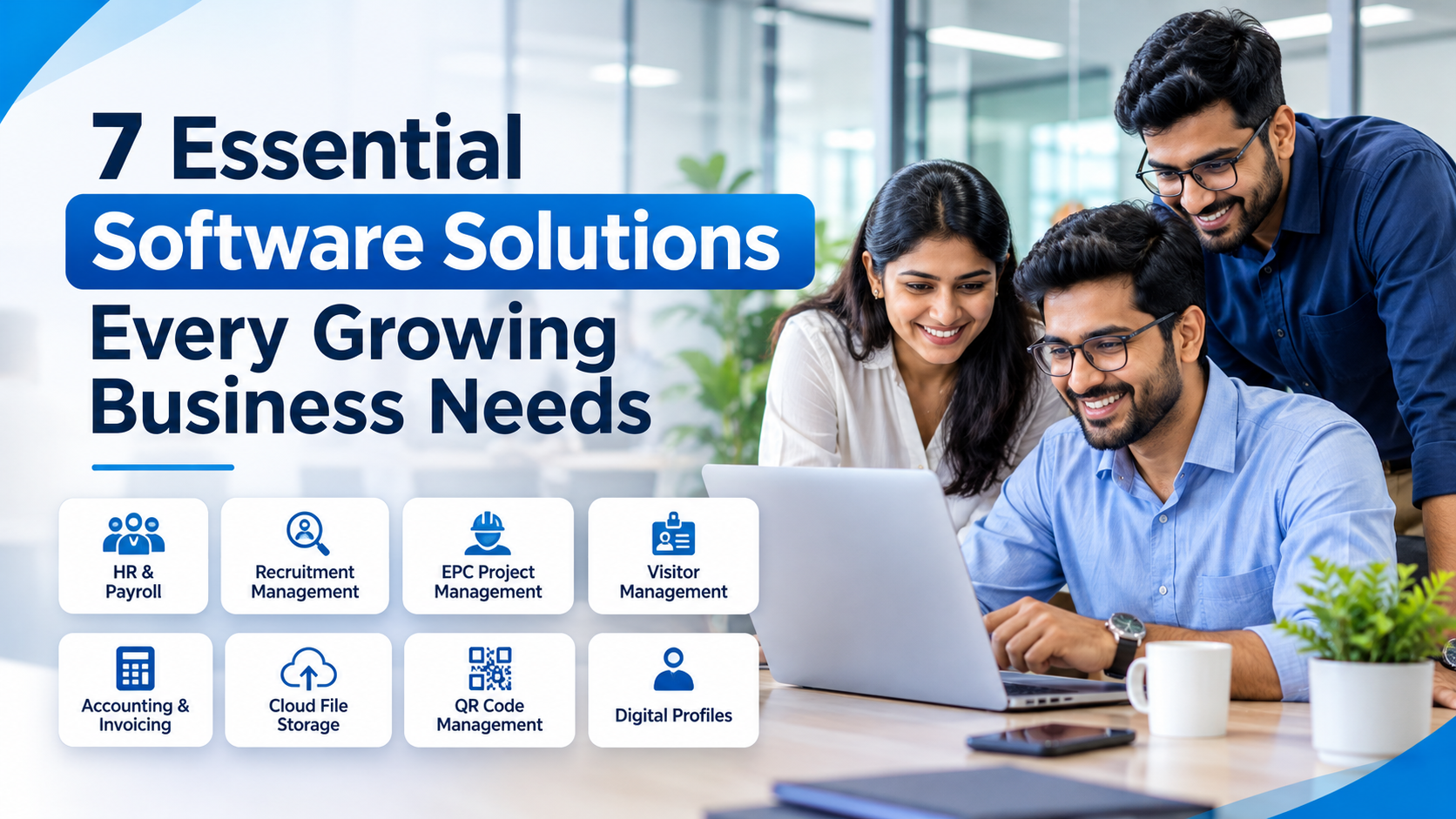
7 Essential Software Solutions Every Growing Business Needs
Growing a business is exciting, but managing its daily operations becomes increasingly challenging as the organization expands. More employees, multiple projects, increasing customer interactions, financial transactions, documents and administrative responsibilities can quickly make traditional management methods inefficient.
Many businesses initially depend on spreadsheets, emails, paper records and separate applications to manage their operations. While these methods may work for a small team, they often become difficult to maintain as the business grows.
This is where business management software becomes important.
The right software solutions help businesses organize their operations, automate repetitive tasks, improve communication, manage resources and make better business decisions. Instead of relying on disconnected processes, organizations can use digital tools to create more structured and efficient workflows.
Whether you operate a manufacturing company, IT business, engineering firm, construction company or professional service organization, investing in the right software can support your long-term growth.
In this article, we explore 10 essential software solutions that growing businesses should consider.
1. Human Resource Management Software (HRMS)
Employees are one of the most important assets of any organization. As a company grows, managing employee information, attendance, leave, payroll and other HR activities manually becomes increasingly complicated.
A Human Resource Management System (HRMS) helps businesses centralize employee information and manage essential HR operations through a single platform.
A good HRMS can help organizations manage:
- Employee profiles and records.
- Employee onboarding.
- Department and designation management.
- Attendance and check-in/check-out records.
- Leave requests and approval workflows.
- Shift and overtime management.
- Payroll processing and payslip generation.
- Employee self-service.
- HR reports and analytics.
For growing organizations, cloud based HRMS software offers the flexibility to access employee information and manage HR processes through an internet-connected platform.
It can also reduce repetitive administrative work and help HR teams maintain more organized employee records.
How i-SPUR can help:
Spur HR is designed to support employee management, attendance, leave administration and payroll-related workflows. It helps organizations bring essential HR operations into a more structured digital environment.
Businesses looking to improve their employee management processes can explore Spur HR.
2. QR Code Management and Digital Profile Software
Modern businesses increasingly need simple ways to connect physical interactions with digital information.
QR codes and digital profiles can help organizations share information, improve accessibility and create convenient customer experiences.
These solutions are useful for businesses, retailers, restaurants, marketing agencies, professionals and service providers.
Dynamic QR Code Management
Dynamic QR code software allows businesses to create customized QR codes and manage their digital destinations.
Depending on the platform, useful capabilities can include:
- Website and URL QR codes.
- Digital menu QR codes.
- Product and campaign QR codes.
- Customized QR designs.
- Editable QR destinations.
- Scan analytics.
- Device and location insights.
Unlike static QR codes, dynamic QR codes can allow businesses to update the destination without replacing the printed QR code.
How we can help:
Spur QR helps businesses generate and customize QR codes for different applications. Its dynamic QR capabilities also support destination updates and scan analytics.
Businesses can explore Spur QR for QR-based digital engagement.
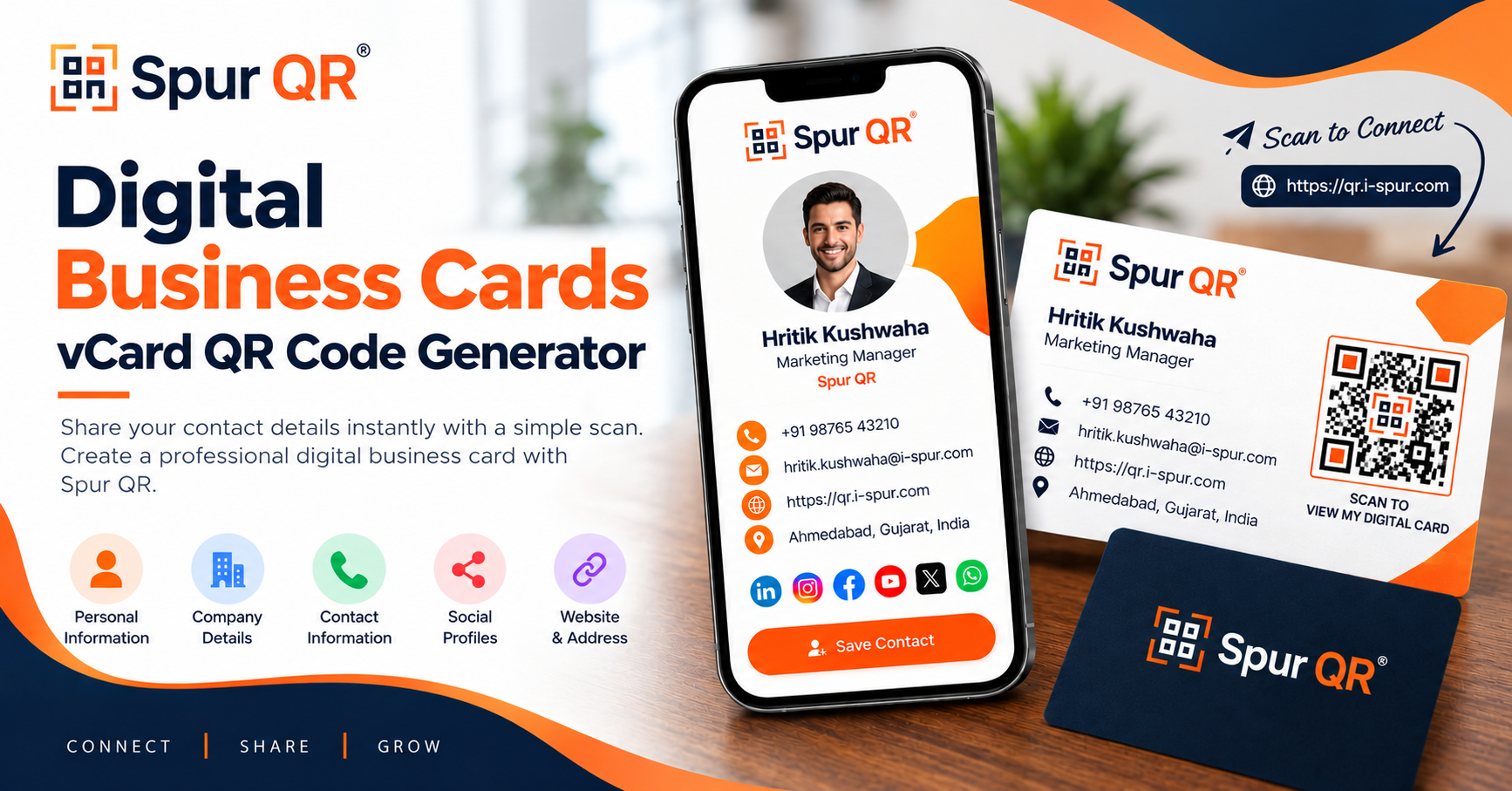
Digital Business Profiles
Professionals and business owners also need a convenient way to share their contact information, professional identity, websites, portfolios and social media profiles.
Digital profile software provides a centralized online profile that can be shared through a single link or QR code.
Useful capabilities include:
- Digital business cards.
- Professional profile pages.
- vCards.
- Social media links.
- Website and portfolio links.
- QR-based profile sharing.
- Link-in-bio functionality.
Spur LinkBridge helps individuals and businesses create digital profiles that bring important professional information together in one shareable location.
It can be useful for entrepreneurs, consultants, freelancers, sales professionals and business owners who want a convenient digital identity.
3. Recruitment Management Software
Recruiting the right employees is essential for business growth. However, managing hundreds of resumes, coordinating interviews and tracking candidate progress can consume significant time.
Recruitment management software helps HR teams organize the complete hiring process.
Important capabilities include:
- Resume uploading and management.
- Candidate database creation.
- Resume parsing and information extraction.
- Candidate filtering and shortlisting.
- Recruitment pipeline management.
- Interview scheduling.
- Interview feedback management.
- Offer and rejection letter generation.
- Recruitment reports.
Some recruitment platforms also use AI-assisted resume processing to help recruiters extract candidate information and identify relevant skills more efficiently.
For businesses with frequent hiring requirements, recruitment software can improve visibility into the hiring pipeline and reduce repetitive administrative activities.
How our software can help:
Spur Recruit provides recruitment management capabilities, including resume processing, candidate management, shortlisting and interview coordination.
It can also support the transition from recruitment to employee onboarding through its relationship with Spur HR.
4. EPC Project Management Software
Engineering, Procurement and Construction (EPC) businesses face more complex project management requirements than organizations managing ordinary internal tasks.
Large engineering and construction projects involve multiple contractors, technical teams, procurement activities, site operations, schedules, quality inspections, safety requirements and commercial documentation.
Managing these activities through spreadsheets and disconnected applications can create coordination challenges.
This is why specialized EPC project management software is important for engineering and construction organizations.
Essential capabilities may include:
- Project planning and scheduling.
- Work Breakdown Structures (WBS).
- Gantt charts and critical path monitoring.
- Baseline and milestone management.
- Daily, weekly and monthly progress reports.
- Planned versus actual progress tracking.
- Quality inspection management.
- Health, Safety and Environment (HSE) records.
- BOQ and commercial management.
- Resource and subcontractor management.
- RFIs, punch lists and project documentation.
- Approvals and revision control.
An EPC project control platform helps project teams maintain better visibility into project execution and identify potential delays or operational issues.
How we can help:
Spur EPC is designed specifically for engineering, procurement and construction project management and control.
It brings project planning, site progress, quality, HSE, commercial activities, resources and controlled project documentation into a connected workspace.
Unlike general-purpose project management tools, Spur EPC addresses specialized project execution and project control requirements.
Explore Spur EPC to understand how it can support engineering and construction project workflows.
5. Visitor Management Software
Businesses with offices, factories, warehouses and commercial facilities regularly receive visitors, vendors, contractors and business partners.
Traditional paper-based visitor registers can make it difficult to maintain accurate visitor records and coordinate entry approvals.
Visitor management software digitizes the registration and tracking process.
Useful features include:
- Digital visitor registration.
- QR-based visitor check-in.
- Visitor information collection.
- Host notifications.
- Visit approval workflows.
- Visitor check-in and check-out.
- Digital visitor passes.
- Visitor history and reports.
A digital visitor management system can help reception teams reduce paperwork, maintain organized records and improve the visitor experience.
What You Stand to Gain
Spur Visitor provides QR-based visitor registration, host notifications, visitor approvals and digital visitor tracking.
It is particularly relevant for corporate offices, manufacturing facilities and organizations that regularly manage workplace visitors.
6. Accounting and Invoicing Software
Financial management becomes increasingly demanding as businesses handle more customers, vendors, expenses and transactions.
Maintaining invoices and financial records manually can create administrative difficulties and make it harder to understand business performance.
Accounting and invoicing software helps businesses organize important financial activities.
Useful capabilities include:
- GST invoice generation.
- Expense management.
- Vendor management.
- Vendor payment tracking.
- Transaction records.
- Profit and loss reporting.
- Financial summaries.
A structured financial management system can help business owners maintain better visibility into invoices, expenses and vendor transactions.
However, businesses should evaluate whether a solution supports their specific accounting requirements, including bank reconciliation, inventory, GST filing and other statutory workflows.
How We Make a Difference:
Spur Accounts provides business invoicing and financial management capabilities, including GST invoices, expense tracking, vendor management and financial reporting.
It can be particularly useful for growing businesses that want to organize everyday financial operations.
7. Cloud Storage and File Sharing Software
Document management and cloud storage are related, but they serve different purposes.
Document management focuses on organizing and controlling business documents, while cloud storage focuses on storing, managing and sharing digital files.
As organizations expand, employees need access to files across departments, projects and locations.
Cloud storage software can help businesses manage:
- Centralized cloud file storage.
- Nested folder structures.
- Folder permissions.
- Internal and external file sharing.
- Version history.
- Role-based access.
- Audit logs.
Businesses should evaluate storage capacity, access controls, backup policies, security and sharing permissions before selecting a cloud storage solution.
A well-organized cloud storage environment makes it easier for teams to access relevant files without depending entirely on individual computers or email attachments.
How to Choose the Right Business Management Software
Having access to multiple software applications does not automatically mean a business has an effective digital management system.
The important thing is to choose solutions that address actual operational challenges.
Before selecting software, consider the following factors:
1. Identify Your Business Requirements
Understand which processes are currently creating difficulties.
For example, a growing company may need better employee management, while an EPC contractor may require specialized project scheduling and document control.
Start with the business problem rather than selecting software based only on the number of features.
2. Evaluate Ease of Use
Software should make everyday work easier, not introduce unnecessary complexity.
Consider whether employees, managers and administrators can understand and use the application without extensive training.
3. Consider Cloud Accessibility
Cloud-based applications can provide convenient access to business information from different locations.
Evaluate availability, data protection, access permissions and the infrastructure supporting the software.
4. Look for Integration Opportunities
When businesses use multiple applications, disconnected data can create duplicate work.
Consider whether your software solutions can exchange information or support connected workflows.
For example, employee records, project assignments and timesheet information may be related to one another.
5. Evaluate Support and Scalability
Choose software that can accommodate your organization's changing requirements.
Consider product updates, customer support, data management, user permissions and the ability to accommodate additional teams or locations.
6. Compare the Total Cost
Look beyond the initial subscription price.
Consider implementation, onboarding, additional users, storage, support and other costs that may apply.
The best solution is not necessarily the cheapest one. It is the solution that provides appropriate value for your business requirements.
Why Growing Businesses Should Consider an Integrated Software Ecosystem
Many organizations use different software applications for HR, accounting, project management, document storage and communication.
However, when these applications operate independently, employees may need to enter the same information multiple times or switch between different systems.
An integrated software ecosystem can help reduce this fragmentation.
For example:
- Recruitment information can support employee onboarding.
- HR information can support workforce administration.
- Project management can connect with employee time tracking.
- Project documentation can be organized through document management and cloud storage.
- Dynamic QR codes can support business engagement.
- Digital profiles can simplify professional contact sharing.
The objective is to make business operations more organized by choosing software solutions that complement one another.
This is the approach behind i-SPUR.
As a software product company, i-SPUR develops business applications covering employee management, recruitment, visitor management, project management, EPC project controls, accounting, documents, cloud storage, QR management and digital profiles.
Businesses can explore individual products based on their requirements and consider additional applications as their operational needs expand.
Conclusion
Business growth brings new opportunities, but it also increases operational complexity.
Managing employees, recruitment, visitors, projects, construction activities, finances, documents and customer interactions requires organized processes and reliable digital tools.
The right business management software can help organizations improve operational visibility, reduce repetitive administrative work and establish more structured workflows.
From HRMS and recruitment management to EPC project management software, document management, dynamic QR codes and digital business profiles, each solution addresses a different business requirement.
The key is to identify the areas where your business needs improvement and select software that supports those objectives.
If you are exploring practical software solutions for your organization, discover the product portfolio offered by i-SPUR.
Visit our website to explore its business software solutions and request a product demonstration to understand which applications may suit your requirements.
Frequently Asked Questions (FAQs)
1. What is business management software?
Business management software refers to digital applications that help organizations manage different business operations, such as HR, recruitment, accounting, project management, document handling and employee administration.
2. Why do growing businesses need business management software?
Growing businesses need software to manage increasing workloads, organize information, reduce manual processes, improve operational visibility and support better coordination between teams.
3. What is cloud based HRMS software?
Cloud based HRMS software is a human resource management system hosted on cloud infrastructure. It allows authorized users to access employee information and manage HR processes through an internet-connected platform.
4. What is the difference between project management software and EPC project management software?
General project management software focuses on tasks, assignments, milestones and project progress. EPC project management software addresses specialized engineering and construction requirements, including project scheduling, site progress, quality, HSE, resources and commercial controls.
5. How can dynamic QR codes help businesses?
Dynamic QR codes allow businesses to connect customers with digital information. Depending on the platform, they can also update destination links and track scan activity without replacing printed QR codes.
6. What is a digital business profile?
A digital business profile is an online profile that consolidates professional information such as contact details, websites, social media links and portfolios into one shareable location.
7. Should a business purchase all its software solutions at once?
Not necessarily. Businesses should begin with the applications that address their most important operational challenges and expand their software usage as their requirements evolve.
8. How can i-SPUR help growing businesses?
i-SPUR offers a portfolio of business software applications covering HR, recruitment, visitor management, projects, EPC project controls, accounting, documents, cloud storage, QR management and digital profiles. Businesses can explore individual products and request demonstrations to understand their suitability.